Ergonomic Workspace Guide

From Pain to Productivity: Your Step-by-Step Guide

Feeling the strain from your home office? The good news is that the solution is within reach. This guide will walk you through the core principles of ergonomics, step-by-step, to help you build a workspace that eliminates pain, boosts your focus, and protects your long-term health.

A woman writing notes at a home office desk with a laptop and coffee cup.

STEP 1: THE BASICS

The Foundation: Your Chair.

Proper seating is the foundation of an ergonomic setup.

The goal is to maintain a neutral posture that supports your spine’s natural curve. Look for three key things: your feet should be flat on the floor, your knees at a 90-degree angle, and your lower back must be supported.

STEP 2: THE CORE SETUP.

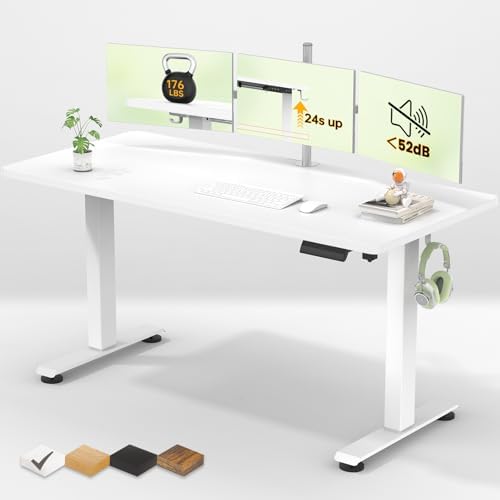
Your Desk: The Center of Your Workflow

Your desk height is the key to correct arm and wrist posture.

Whether sitting or standing, your elbows should be at a comfortable 90-degree angle with wrists straight while typing. An adjustable-height standing desk is a game-changer for preventing shoulder and wrist strain.

STEP 3: THE DETAILS.

Your Gear: Optimizing the Details.

The right accessories are what elevate a good setup to a great one.

Prevent neck strain by positioning your monitor at eye level using a monitor arm. Protect your wrists with an ergonomic keyboard and a vertical mouse that promote a natural posture. These details are the key to long-term comfort and productivity.

Review My Order

0

Subtotal